


Consult & choose your path
Start with a free 15-minute consult or pick a transparent package. You keep 100% rights from day one.
Choose a package, set up your title, and follow a clear six-phase workflow — all in your Author Portal.
AuthorShelf is built for authors who want professional publishing without a confusing process or hidden fees. You choose a transparent package, complete the 11-step New Title wizard in your portal, and track every milestone from manuscript through distribution.
You retain your rights. Pricing is upfront. And your Author Portal is the single place for project workflow, team messages, file uploads, approvals, royalties, and orders.
Here is how we take your book from idea to shelf — and what you can expect at each step.
Formats that reach readers
One title, three ways people actually buy and listen. Packages prepare the formats in your Service Order — tracked in the Author Portal from Title Setup through Title Live.

Retail-ready digital files for major ebook storefronts.

Print-ready interiors and covers for POD and bookstore orderability.

Audio production and launch support when you are ready for listeners.
High-touch production should not feel abstract. These licensed images illustrate the outcome and presentation quality you are aiming for — paired with portal-tracked phases below.
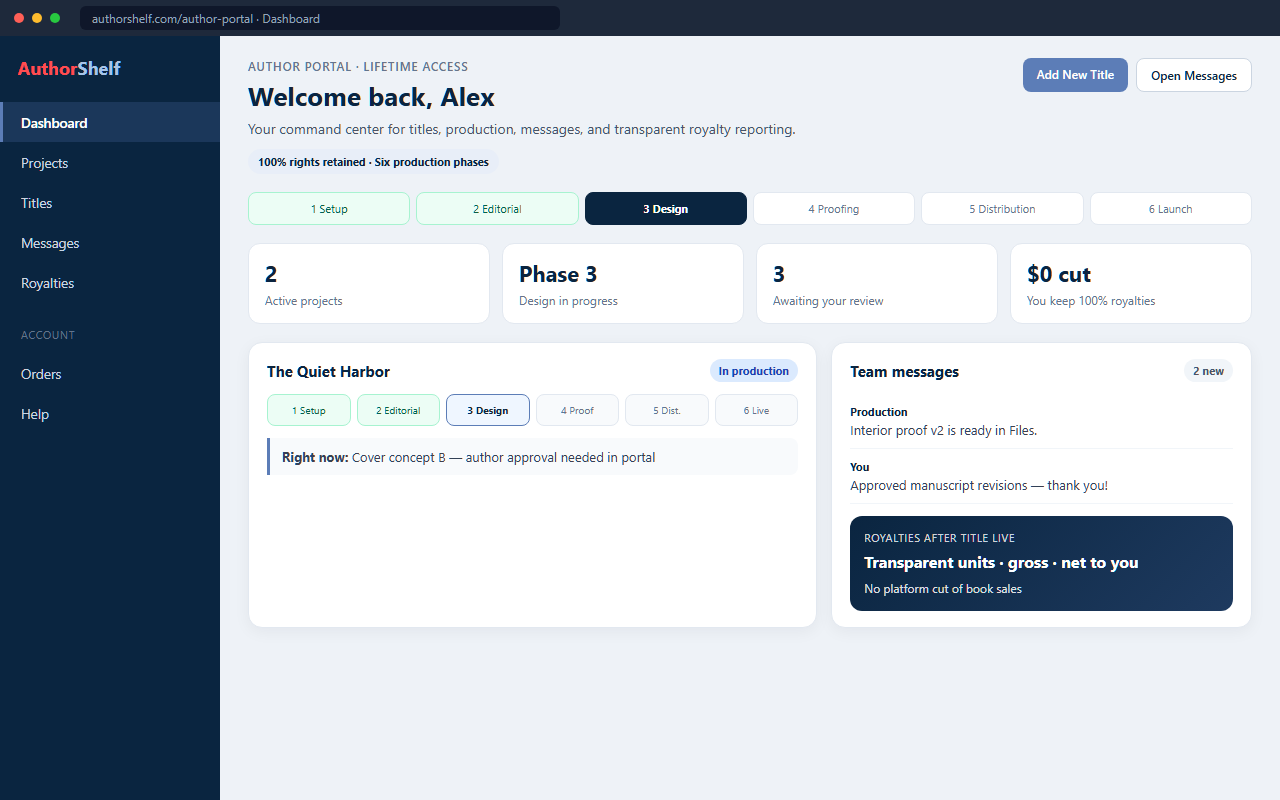
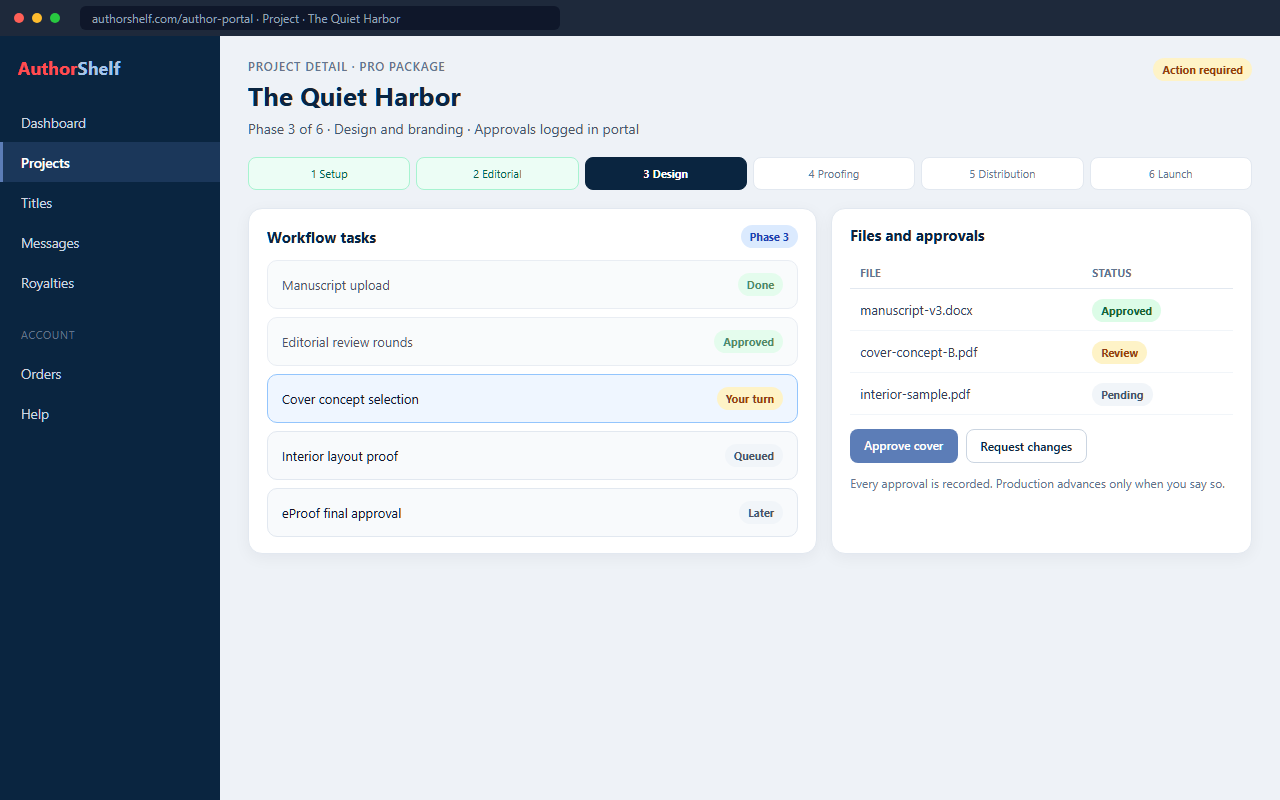
Portal interface preview (product UI mock) — six phases, tasks, messaging, and royalties. Not a live customer screenshot.
Start with a free 15-minute consult or pick a transparent package. You keep 100% rights from day one.
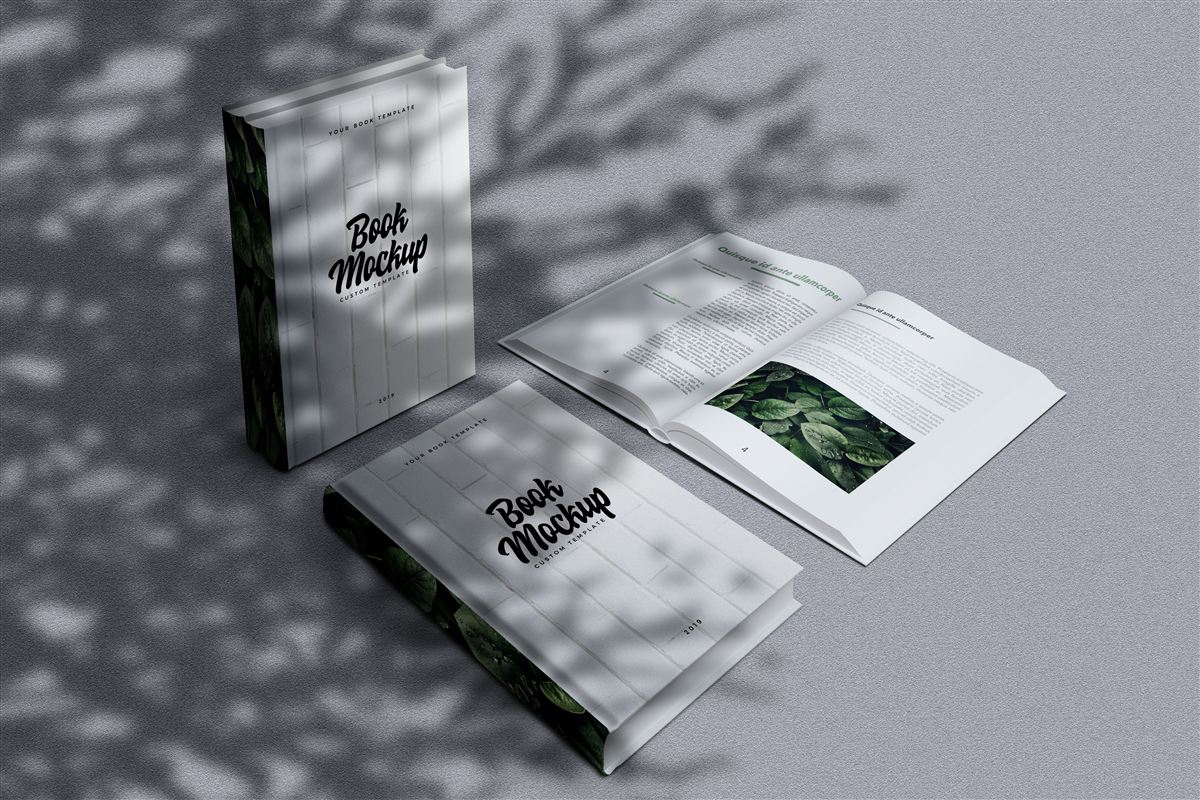
Print-ready and eBook files, ISBN, and global distribution — with royalty visibility after Title Live.
Many projects move in about 6–8 weeks depending on package, manuscript readiness, and revision speed. Your portal shows exact progress. Ranges below are typical — not a fixed SLA.
You choose a package and complete the New Title wizard in the portal. Portal checkpoint: confirm metadata, preferences, and package scope.
Upload files and move through editorial work included in your tier. Portal checkpoint: respond to tasks and approve editorial rounds when requested.
Concepts and layouts progress in the workflow. Portal checkpoint: approve cover concepts and interior proofs before files lock.
Final polish and print/eBook-ready preparation. Portal checkpoint: eProof approval before distribution setup.
ISBN, metadata, and global retail placement paths complete. Portal checkpoint: Title Live, then royalties and title support views open.
Not sure which package fits this timeline? Book a free 15-minute Author Readiness Call, compare packages, or use our 15-point partner checklist.
Most authors are up and running in three moves: account, package, and New Title setup.
New to AuthorShelf? Read our Welcome guide or browse the Help Center.
Six tiers — from first-time authors to full-service launches. Every package maps to the same portal workflow; higher tiers include more editorial, design, and marketing support.
Compare features and choose the right fit on our Publishing Packages page.
Every title in your portal follows the same workflow. Open Projects → View Details on any book to see where you are and what’s next. Read the full stage guide →
Your project is created when you complete the New Title wizard and checkout (or when a package order is linked to your account).
Upload your manuscript and any reference materials. Editorial services included in your package run in this phase.
Cover design and interior formatting for print and eBook — aligned with your genre and package.
Review your eProof (and physical proof if ordered) before files are locked for production.
Final files, ISBN/metadata lock, and distribution upload to retail and wholesale channels.
Marketing materials, launch prep, and go-live — then ongoing royalty and sales tracking.
One place for your entire publishing business
From your first login, the portal sidebar gives you Dashboard, Projects, Messages, Account, Royalties, Reports, Book Orders, Service Orders, Marketing, and Help. Open any project’s View Details page for the full workflow, uploads, tasks, and per-project team messages.
See active projects, My Things To Do, and quick links to start a New Title or open messages.
Six-phase progress, file uploads, proof approvals, and per-project Messages & Team Inbox.
Reach your publishing team from the global inbox or inside any project — no scattered email threads.
Sales and royalty data after go-live, plus reporting tools to understand performance over time.
Book Orders and Service Orders in the portal, plus My Orders for WooCommerce purchase history.
In-portal Help tab, the site Help Center, messaging, or our contact form.
A consistent six-phase process in the portal — you always know what’s done and what’s next.
Editors, designers, and publishing specialists matched to your package and genre.
Clear package tiers from Spark to Ultimate — no surprise fees mid-project.
You own your work. We don’t take rights or royalties on your book sales.
Proof, design, and phase approvals tracked in the portal — documented and easy to revisit.
Royalties, reports, and orders stay accessible after launch so you can grow your catalog.
Compare packages, set up your first title, or reach out — we’re here to help you move from manuscript to shelf.